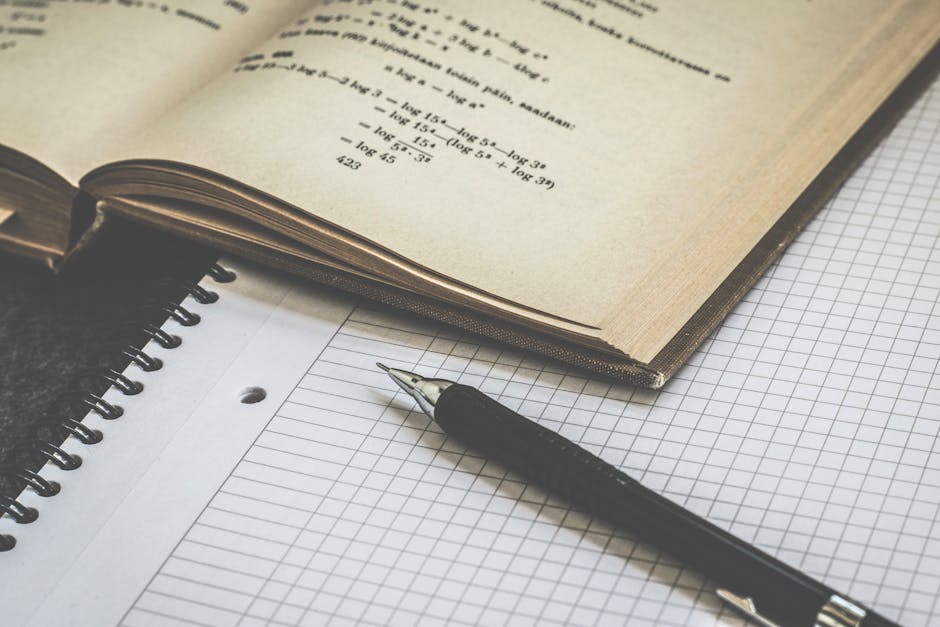
Try typing the following into any search box:
"Given the function y = (2x³ − 3x² + 1) / (x² − 1), find the asymptotes of its graph"
You'd have to type fractions, exponents, parentheses — and a single missing character can make the entire problem misread. Taking a photo solves all of this in 2 seconds.
The problem with typing
Mathematical notation wasn't designed for keyboards
Math is designed to be written or printed — fractions, subscripts, radicals, integrals, matrices. Converting that to plain text requires special syntax like LaTeX that most students simply don't know.
It takes too long
A complex problem can take 3–5 minutes just to type in correctly. A photo takes under 3 seconds.
Easy to make mistakes
One missing bracket, one wrong exponent — and the result is completely different. Especially when typing quickly, the error rate is high.
Printed problems can't be retyped accurately
If the problem is in a textbook, a photocopied exam, or a printed worksheet — there's no practical way to retype it with 100% accuracy.
OCR + AI: Take a photo and understand instantly
OCR (Optical Character Recognition) technology combined with math AI enables:
- Handwriting recognition — even messy handwriting
- Mathematical structure analysis — distinguishing numerators, denominators, exponents, special symbols
- Problem context understanding — not just reading characters, but understanding what's being asked
The result: you take one photo, the AI understands exactly what needs to be solved — no typing required.
When is photo input especially useful?
| Situation | Typing | Photo |
|---|---|---|
| Handwritten work from a notebook | Not possible | ✓ Perfect |
| Problem from a textbook | Very time-consuming | ✓ 2 seconds |
| Photocopied exam paper | Not practical | ✓ Capture the whole page |
| Complex multi-level formula | Error-prone | ✓ Accurate |
| Problem with diagrams or figures | Not possible | ✓ Recognized |
MathPal and the photo feature
MathPal is built with photo input as the primary input method, not an afterthought:
- Open the app → take a photo → receive step-by-step solution
- No account required for first use
- Recognizes both handwritten and printed text
This is why many students choose MathPal over typing problems into ChatGPT or Google — it saves time and eliminates errors at the very first step.
Practice with MathPal
Grab any problem from your notebook or textbook — take a photo with MathPal and see how fast it recognizes and explains the solution.